Before this project, I had already built my first HTML game, which became an important stepping stone for experimenting with game logic in the browser.
— Behind the Scenes of Developing a Battle Game Centered on Chanting —
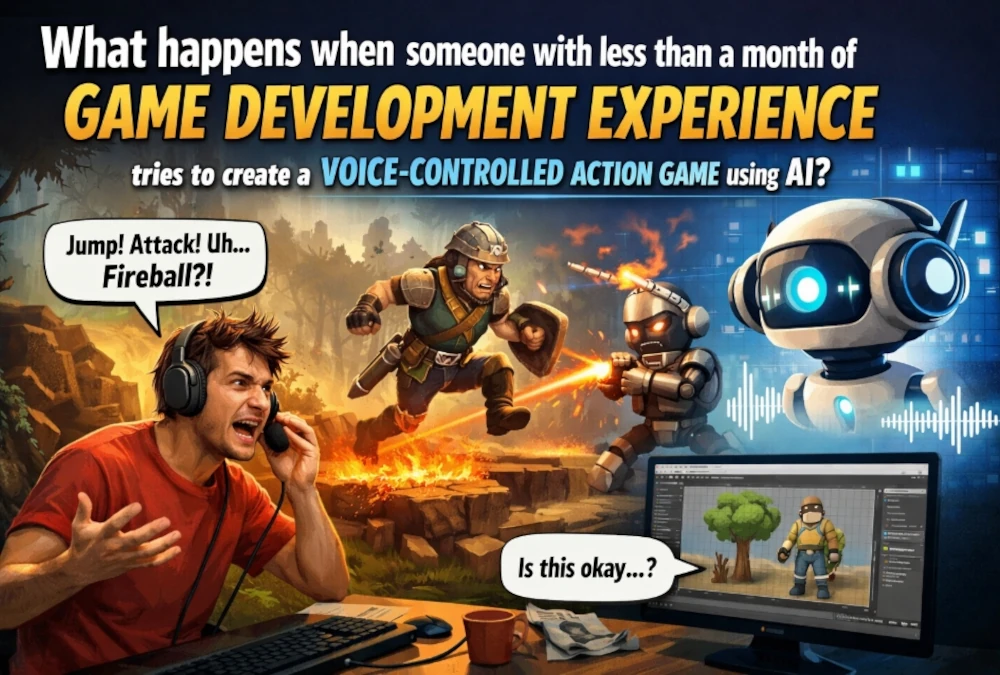
What happens when someone with less than a month of game development experience tries to create an action game controlled by voice input?
It probably does not go smoothly.
The design falls apart halfway through.
The naming gets messy.
You fix one thing, and something else breaks.
But I think that messy process is exactly where the real story of development shows up.
This time, I want to share some behind-the-scenes thoughts on the voice-input action game I am currently making.
This is not so much a polished postmortem of a finished game, but more of a record of how a beginner actually struggles, where the time goes, and how the game slowly starts taking shape.
First, what kind of game am I making?
The game I am making is a side-scrolling action game where you cast magic by speaking words like “Fire,” “Water,” and “Wind.”
It looks cute on the surface, but the systems behind it are surprisingly ambitious.
- Voice recognition to cast spells
- Three basic magic types
- Combined spells
- Different enemy behavior patterns
- Day/night and field variations
- Support magic
- Energy accumulation and gate creation
- Stage clear sequences
- Environmental gimmicks like campfires and fallen logs
For someone with less than a month of game development experience, I am probably trying to do too much.
And naturally, the more I added, the harder things became.
The most time-consuming part is not “adding new features” It is making everything work together naturally
This is the biggest thing I have learned while making the game.
When you are a beginner, moments like “I made magic appear!” or “The enemy moves!” are exciting.
Those isolated features can be surprisingly fun to build.
But the real difficulty comes after that.
Take enemy behavior, for example.
- Chase the player
- Patrol within a certain range
- Attack
- Run away if there is a campfire nearby
- Jump
- Land on the ground properly
- Turn in the right direction
Trying to make all of those behaviors coexist at the same time suddenly becomes very hard.
You get situations like:
- “I added the fleeing behavior, and now it no longer attacks.”
- “I restored the attack logic, but now it seems to prioritize the player over the fire.”
- “It runs away from the fire, but its face is still turned toward the player, which looks weird.”
As a beginner, I realized there is a huge gap between writing individual pieces of logic and making the whole thing look natural as a game.
The thing I am struggling with most right now: the slime’s “campfire panic”
Lately, the thing I have spent the most time on is slime behavior.
In the night field, if you hit fallen logs or piles of dry branches with Fire magic, they ignite.
I wanted slimes to react to that.
It sounded simple at first:
“If there is a burning campfire nearby, the slime runs in the opposite direction.”
But once I implemented that, a lot of other problems appeared.
- Its patrol logic was still active, so even after fleeing, it would reach the edge and turn back
- Its facing update was still tied to the player, so it ran away while still looking at the player
- If I made it stop attacking while fleeing, it actually felt less alive
That last one was especially interesting.
At first glance, “a fleeing enemy should not attack” sounds logically correct.
But when I actually watched it on screen, it felt unnatural.
So I ended up going in the opposite direction.
Now the slime panics and runs away, but still attacks in a desperate, reckless way.
That made it feel less mechanical and more like a living creature.
This was the kind of adjustment I could not have figured out just by looking at code.
I only understood it after watching it move in the actual game.
What matters more than “correct logic” is “logic that feels convincing”
One thing I have felt over and over during development is this:
What matters is not whether the logic is technically correct.
What matters is whether the player can look at it and feel that it makes sense.
Take the campfire effect, for example.
At first, it worked functionally.
Things burned, and slimes reacted.
But visually, the flames were too small.
From a system point of view, the fire existed.
But on screen, it looked more like a little glow than an actual dangerous fire.
If the player cannot clearly read “that thing is burning,” then the slime running away from it does not feel justified.
So now I am adjusting it like this:
- Piles of dry branches get flames at double size
- Fallen logs get flames at triple size
That felt symbolic of a much bigger lesson.
In games, what matters is not what is happening internally.
What matters is what the player can understand from the screen.
The most beginner-like weakness shows up in naming and organization
One area where I really feel my inexperience is in code organization.
As I keep adding new features, the number of conditionals grows rapidly.
Different enemy types need different movement.
Special fields need special logic.
Certain attacks only work under certain conditions.
Support magic overlaps with other systems.
And then you start getting situations like:
“Why does a piece of code named dragon affect slime behavior?”
That is very real beginner development.
At first, you build things with the mindset of “if it works, it works.”
And honestly, that is not even wrong in the beginning.
You need to make things move somehow.
But once the project grows, your future self starts getting confused.
There were moments while adjusting slime behavior when even I had trouble immediately understanding where I needed to edit things.
That made me realize something important:
The difficulty of development is not just in making enemy AI.
It is also in keeping the code readable enough that you can still work on it later.
Voice-input games come with their own very specific problems
The core of this game is that it can be played using your voice.
That sounds cool, but it is much more troublesome than it looks.
Voice recognition does not hear things the way you want it to.
So it is not enough to just detect the word “fire.”
In reality, I end up handling a lot of variations like:
- fire
- fir
- firee
- waterr
- window (misrecognized instead of wind)
- resurection (a broken version of resurrection)
That part has been surprisingly interesting.
Sometimes it feels like I am not just making a game.
It feels like I am also gradually building a dictionary of likely mishearings.
As a beginner, I found that making voice input feel natural was in some ways harder than making the magic itself stronger or more interesting.
But at the same time, this is also what makes the game feel unique.
Without that messy voice-recognition layer, it would just be another keyboard action game.
Because of that, it really feels like a game where words themselves hold power.
One of the most fun parts was not adding mechanics. It was making systems connect to each other
Personally, one of the most satisfying parts of development was not adding isolated features.
It was seeing different features begin to connect.
For example:
- Your Magic Experience Points increases your magic level
- Higher magic levels unlock combined spells
- Defeating enemies fills up Cosmos Energy
- When Cosmos Energy is full, you can create a transfer gate
- In the night field, Fire can burn fallen logs and branch piles
- Slimes panic when they encounter those flames
Once these links started to appear, the world stopped feeling like a collection of test functions.
It started to feel more like an actual game world.
One of my favorite parts is that magic no longer affects only enemies.
It also affects the environment.
When beginners make games, it is easy for everything to stay trapped within the simple loop of “attack” and “enemy.”
But the moment the player can affect the world itself, the game suddenly feels much more real.
That gave me a lot of confidence.
Trying to do too much is exhausting. But trying to do too much also taught me a lot
Honestly, for someone with less than a month of experience, putting all of this into one project is a lot.
- Basic magic
- Combined magic
- Support magic
- Three enemy types
- Splitting slimes
- Field variations
- Campfire gimmicks
- Voice input
- Energy systems
- Stage clear conditions
It probably would have been cleaner if I had made something much smaller.
There would have been fewer bugs too.
But because I pushed too far, I learned something important very clearly:
Adding features and making the whole game hold together are completely different problems.
In that sense, maybe it was actually a good thing that I ran into this wall while I am still a beginner.
Right now, I do not think I am in the stage of “making it well”. I think I am in the stage of “learning how to fall properly”
If you look only at the level of polish, the game is still far from finished.
The priorities between systems still collapse sometimes.
The visuals are still being adjusted.
There are still many parts I want to go back and improve.
But I think that is okay.
What happens when someone with less than a month of game development experience tries to make a voice-controlled action game?
The answer is probably this:
You take a lot of detours.
But those detours teach you things you could not learn any other way.
Things like:
- what breaks when you change a certain piece of code
- when to prioritize visuals over logic
- why “technically working” is not enough if it does not feel good to play
- why naming and structure matter if you want your future self to survive
- why, in games, feeling convincing matters more than being theoretically correct
Those are the lessons I am learning right now, in real time.
The most interesting part of this game might be that it is still moving forward while still being immature
There is a lot to learn from highly polished development logs made by skilled developers.
But that is not really the part I want people to see here.
What I want people to see is the process itself:
A person with less than a month of game development experience, trying to build something they do not fully understand yet, breaking it, fixing it, and slowly turning it into a game.
It is not clean.
It is probably full of unnecessary detours.
But because of that, it is real.
“This is what happens when a beginner makes a game.”
As a snapshot of that process, I think this project is being very honest.
It is not finished yet.
But at least now, it feels like I have moved from the stage of just making things to the stage of trying to make them actually work together as a game.
Demo Page URL | Voice Action Game
We’ve posted a demo on The Magical Melody (tentative title) page so you can start playing right away.
Conclusion
When someone with less than a month of game development experience tries to make a voice-input game, this is what it looks like:
- It does not work the way you imagined
- You fix one thing and something else breaks
- You realize visual believability matters more than internal logic
- Enemy AI takes an absurd amount of time to make feel natural
- Voice input is much messier than expected
- But once the systems start connecting, development suddenly becomes exciting
And right now, I am still in the middle of that process.