My First Game Development Project Using Generative AI: A Test to See If I Could Develop an HTML and Godot Module Type
2026年4月13日
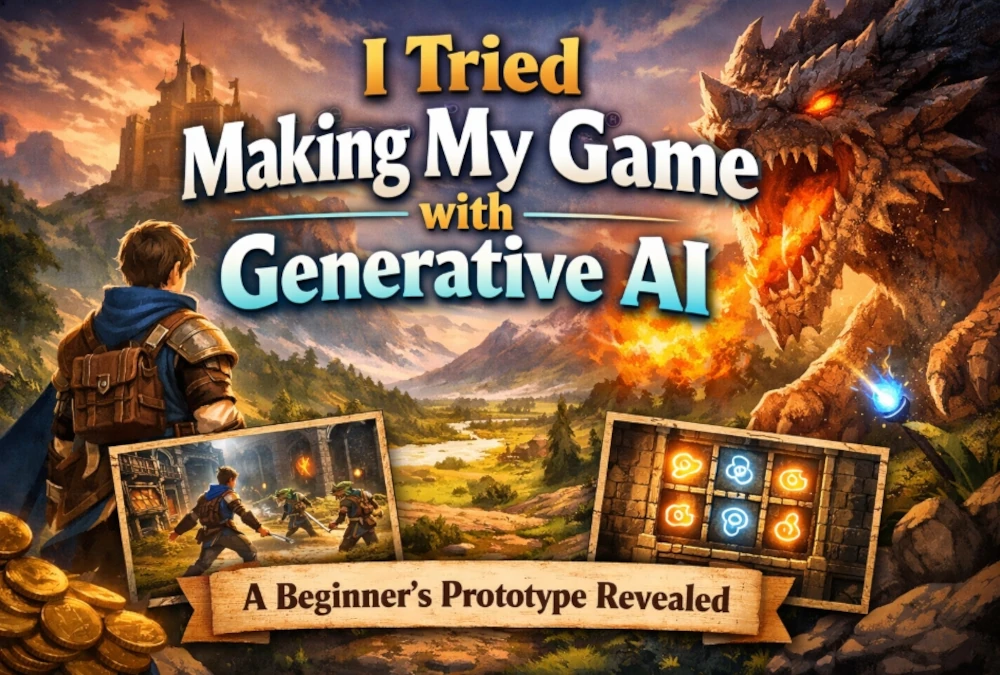
As someone with no prior game development experience, I decided to take on the challenge of creating a prototype for my own game using generative AI.
In this post, I’ll start by introducing the finished game and its highlights as a real-world example of “what even a beginner can create.”
Click here for the demo page
What kind of game is it?
What I created this time is a prototype of a homemade game made using generative AI.
Rather than aiming for a finished product, I prioritized getting it to a point where it could actually be played.
As a game, I adjusted various elements—such as the movement, visuals, sound effects, BGM, and presentation for each stage—to create an experience that feels like a real game.
My goal was to create a prototype that goes beyond just moving screens, incorporating visual presentation, sound, and the way obstacles are displayed to ensure it holds together as a cohesive prototype.
What I Created
In this project, I utilized generative AI to incorporate the following key elements:
- A basic system that functions as a game
- Stage-specific visual effects
- Implementation of sound effects and BGM
- Adjustments to the appearance of obstacles and objects
- Creating the overall atmosphere of the screen
Additionally, during the development process, we experimented with both HTML-based architecture and modular architecture.
For this release, we are focusing on the game itself as a showcase to give you a sense of “what we’ve created.”
As for development time, it took approximately 70 hours for the HTML version and about 90 hours for the Godot version to reach a playable prototype stage. These are not exact measurements but rough estimates based on the number of days and hours worked. Please note that this does not include the time spent preparing the demo for release; rather, it represents the time from when I started building until the prototype was in a playable state after repeated revisions. In my experience, the Godot version, being modular in structure, presented more challenges during revisions and adjustments, and I feel this difference was reflected in the time required.
What Was Created Using Generative AI
The key point here is that even even without game development experience, I was able to actually create a game prototype by leveraging generative AI.
While I used several generative AI tools, the focus of this article isn’t on comparing tools, but rather on
how far a beginner can take a project by using generative AI.
At first, I thought a simple 2D game would be the limit, but in reality, I was able to take it to a point where it felt quite like a game—including not just the mechanics but also visual effects, sound, and visual adjustments.
Of course, fine-tuning and debugging were necessary, but even so, I feel that the speed at which we went from “nothing” to a “playable state” is a major strength of generative AI.
Additionally, before actually creating a game like this one, I wrote an article simulating how to proceed if you were to create a game using generative AI. This project was also an effort to test just how far we could actually take a game into a tangible form using generative AI, based on the workflow and vision I had outlined in that article.
Highlights
What I want you to focus on in this prototype isn’t so much the level of polish, but rather the fact that a beginner was able to create this much using generative AI.
The highlights include the following points:
It’s actually playable
Although it’s a prototype, it’s not just a sample—it’s reached a state where you can actually play it.
I felt that even when using generative AI, it’s entirely feasible to turn an idea into a working prototype.
It captures the essence of a game, including sound and presentation
We also worked on creating the atmosphere of a game through sound effects, background music, and visual adjustments.
While the visuals and sound were areas where we struggled with adjustments, they are also the parts where we felt the most satisfaction as a prototype.
It’s a challenge from a beginner’s perspective
This project wasn’t undertaken by someone with prior game development experience; rather, it was an attempt to see how far I could go using generative AI starting from scratch.
For that reason, I believe the value lies not so much in the finished product, but in the fact that “a beginner’s challenge has taken shape to this extent.”
Demo Page Link | html type game & module type game
You can try out the actual game on this demo page
About the Development Experience
During the creation of this game, I made many more discoveries than I had anticipated—from visual adjustments and sound implementation to debugging and organizing the structure.
I’ve summarized these experiences in a separate article titled Development Experience.
If you’re interested in learning about the challenges I faced during development, how using generative AI helped me make progress, and my perspective as a beginner, please be sure to read that article as well.
View the Development Experience Article
Summary
Game development using generative AI isn’t magic that automatically completes everything for you.
Still, I felt it holds significant potential in helping beginners bring their ideas to life and progress to the point where they can release a playable prototype.
As a concrete example, I’m releasing a prototype of my own game here.
I hope you’ll take a look at the game itself first, and if you’re interested, please read the development experience article as well.